 Viewer
Viewer
Viewer
Cloutal Viewer turns an iPad into a photo viewing station. It reads straight from the NAS your cameras save to — or from Cloutal Tether as you shoot — watermarks every photo, and lets families favorite the ones they love and order them on the spot.
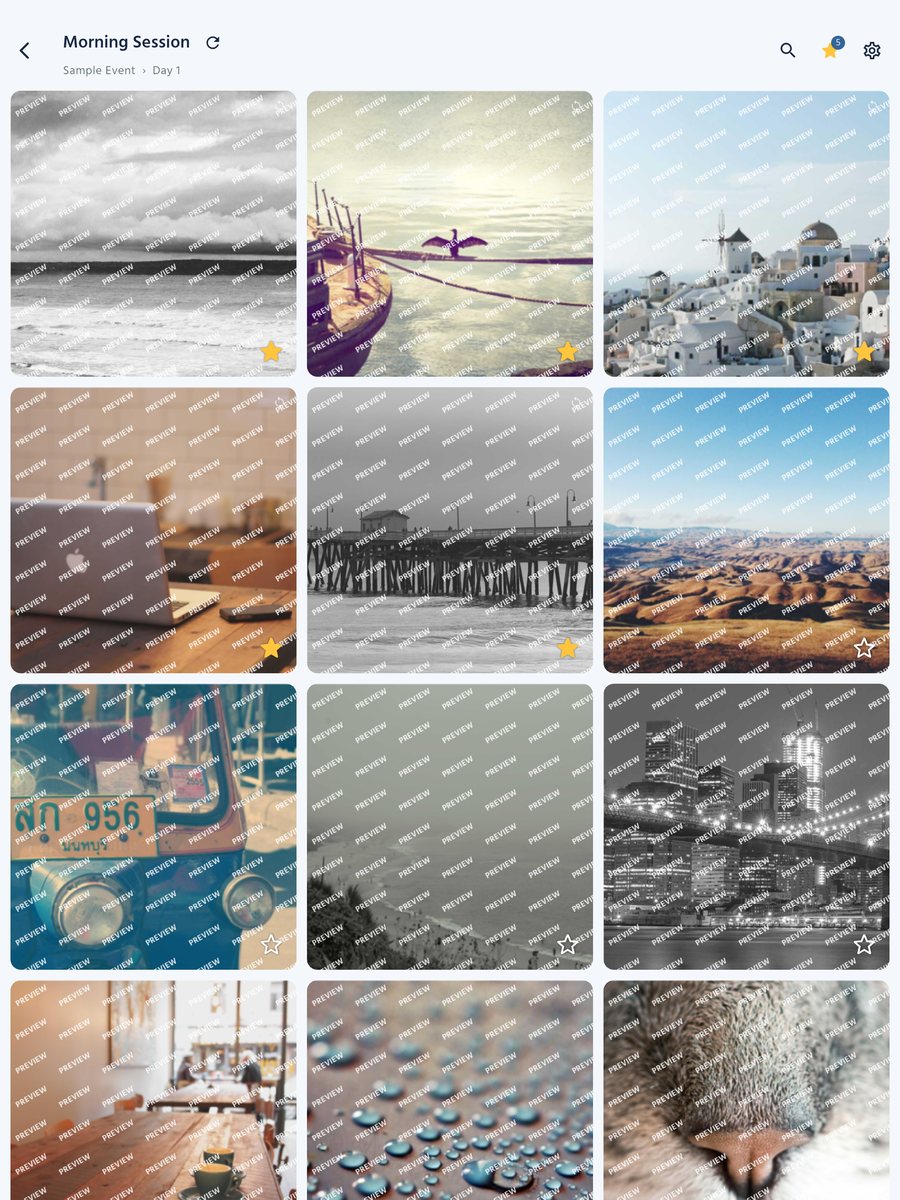
Built for the booth at live events
No uploading, no laptop at the table, no printed proofs. Your photographers shoot, the photos land on your NAS or come straight from Cloutal Tether, and families see them — and order them — right away.
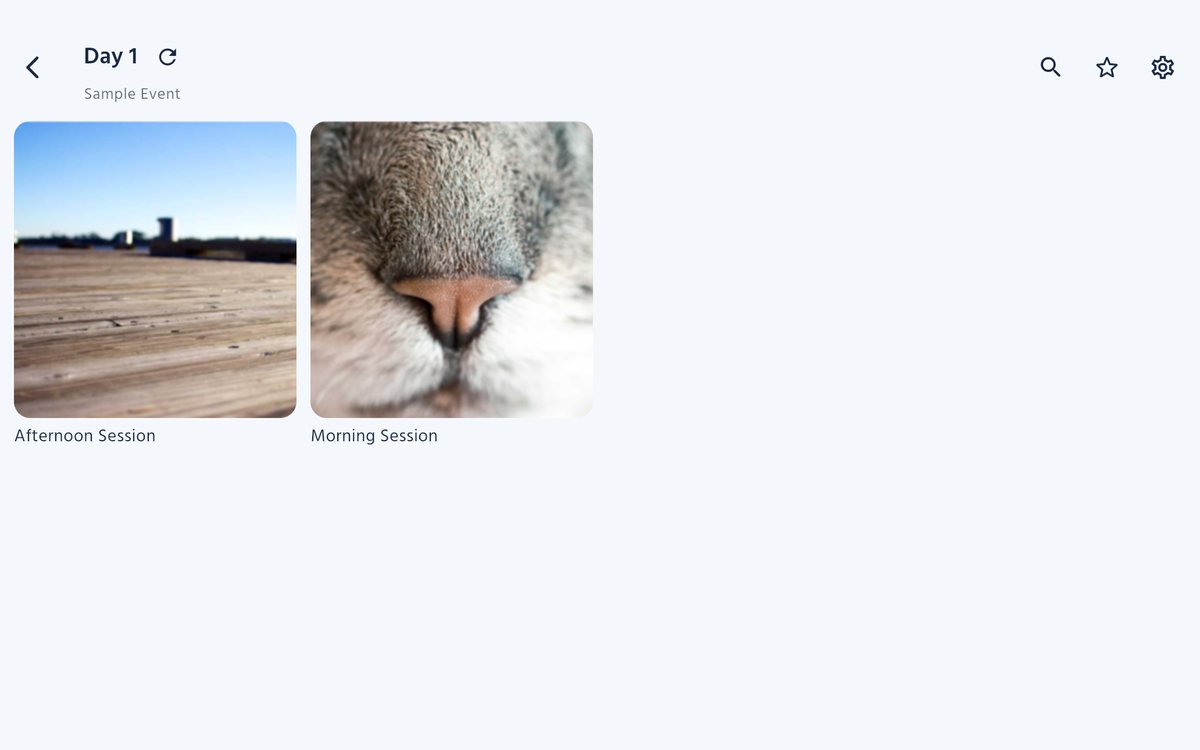
Every folder becomes a gallery, with a cover on every folder of photos. Read a NAS over SMB 2 or 3 — Synology, QNAP, Mac or Windows — or connect straight to Cloutal Tether on the shooting Mac, over Wi‑Fi or a USB‑C cable.
Connected to Cloutal Tether, the iPad shows each photo full screen the moment it's taken, and follows the camera from shot to shot.
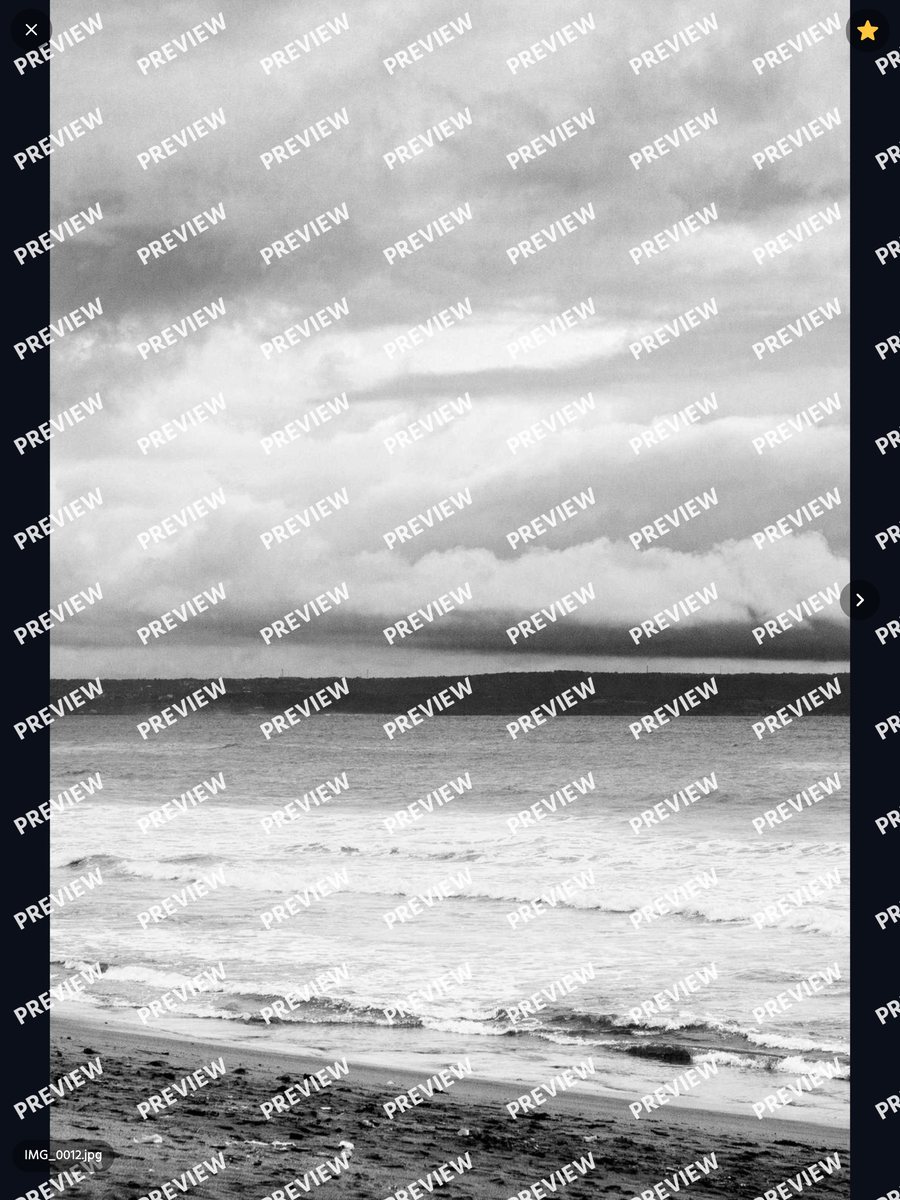
Every photo carries a watermark — PREVIEW, your own words, or your studio's mark from Cloutal Media, the way your storefront shows it. Nothing is written to the photos themselves.
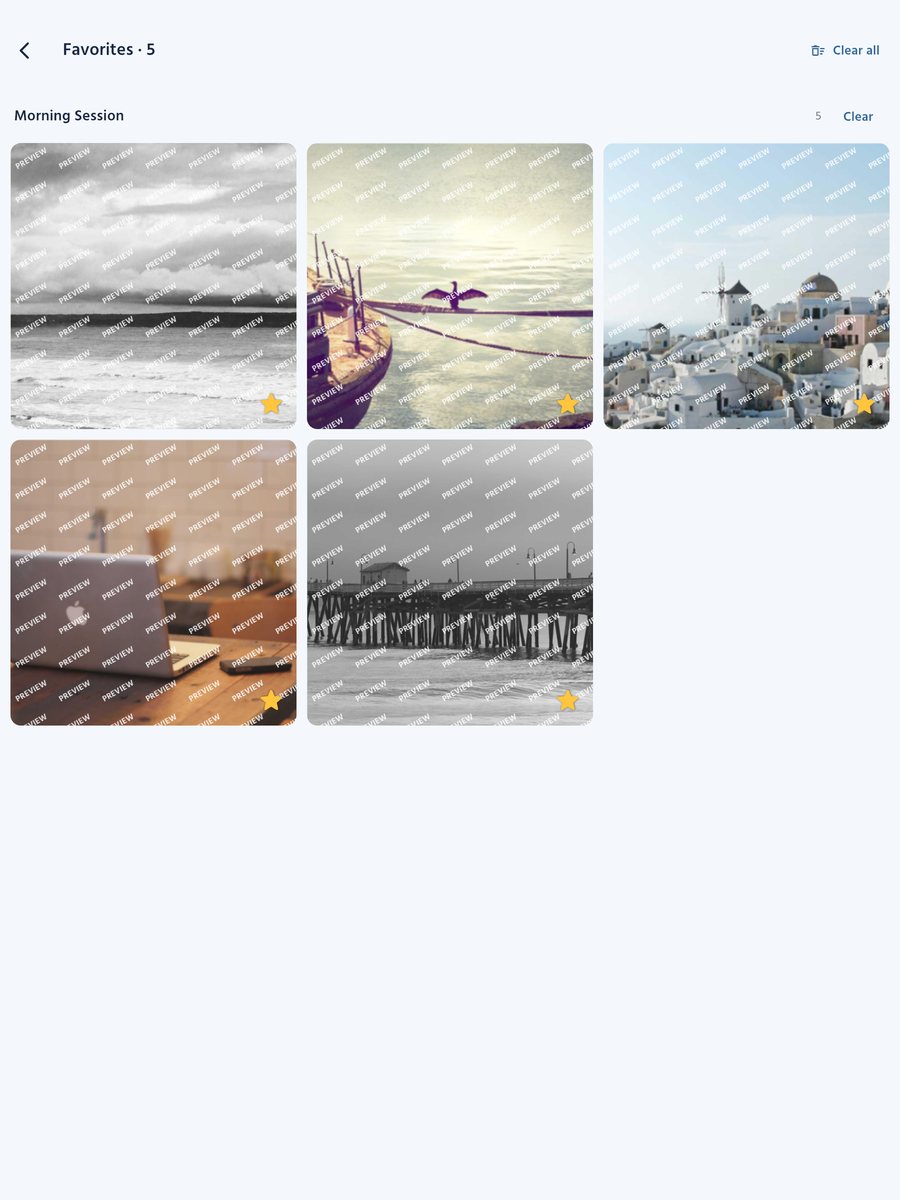
Customers star the photos they love. Your crew pulls up the favorites folder by folder, then clears them for the next family.
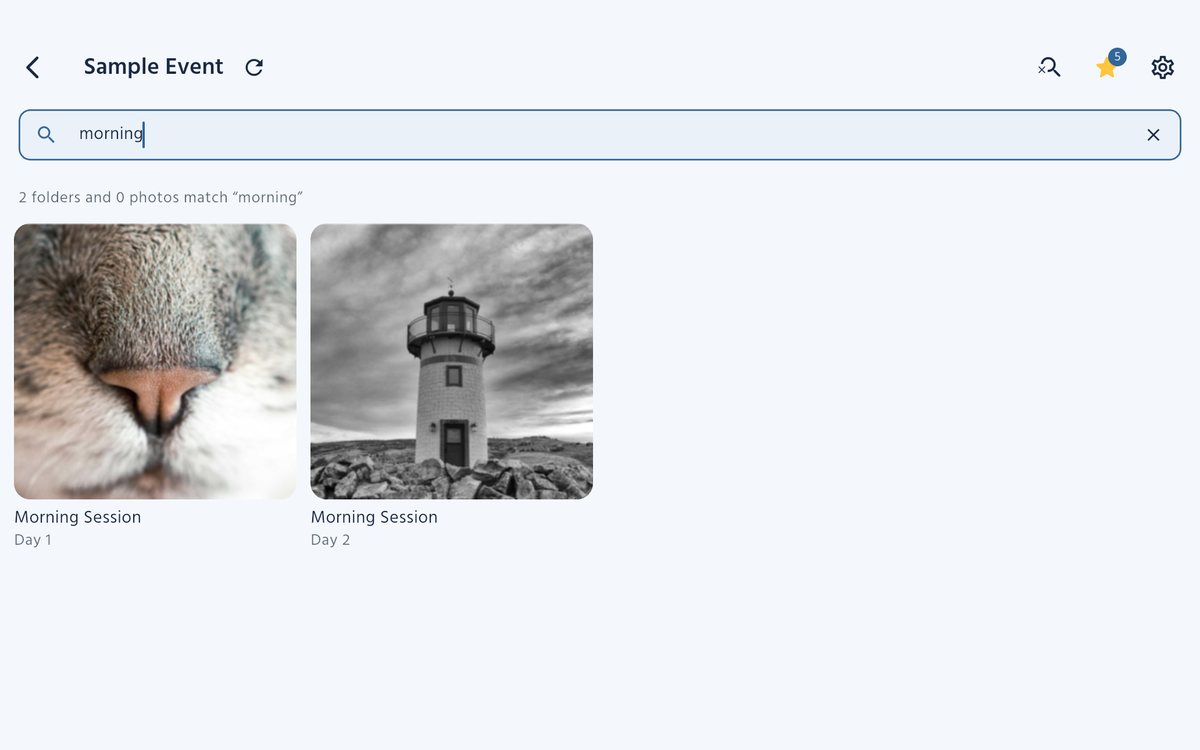
Search every folder by a performer's name, a routine number or a day. A full-screen viewer swipes, zooms and stays sharp.
Station settings can ask for the iPad's own passcode, so the connection, the watermark and the Cloutal Media link stay with your crew. Customers see photos and nothing else.
Sign the iPad in with a Viewer device code and tie each main folder to its album. Customers' favorites go to your team to approve, and your studio's watermark comes with it.
Customers add single photos or whole performances to a cart. The order is recorded in Cloutal Media and paid on the customer's own phone, or at your desk by card or cash — the iPad never takes a card.
A performance that isn't uploaded yet still sells, as a pre-order delivered when it is. What's already online is ready as soon as the order is paid.
Screens from Cloutal Viewer's built-in sample event, with stock photography.
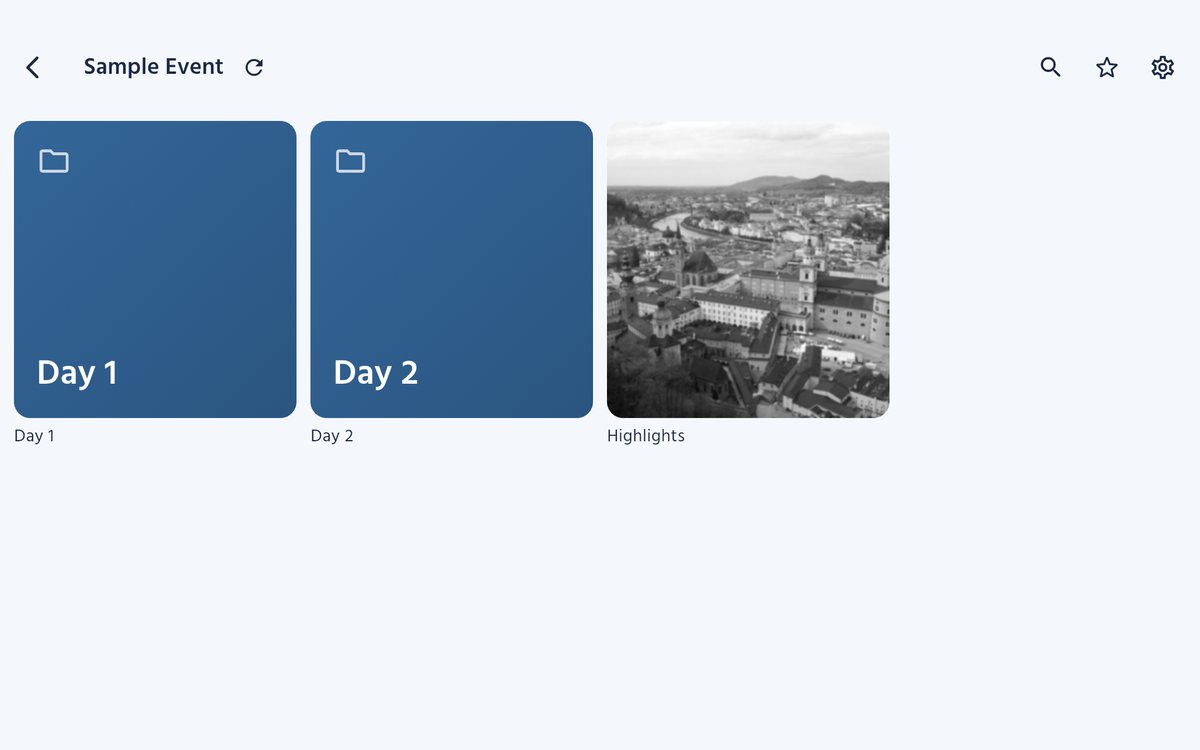
In Station settings, connect to the NAS your cameras save to, or pair with Cloutal Tether on the shooting Mac. Pick the event's main folder and the Cloutal Media album it belongs to. The station reconnects by itself every time it opens.
Customers find their performance, swipe through the photos full screen, star the ones they love and add what they want to the cart — all watermarked, all on the venue's network.
Favorites go to your album on Cloutal Media for your team to approve. Orders are paid on the customer's phone, or at your pre-order desk by card or cash.
Cloutal Viewer is coming soon to the App Store for iPad, free. Studios on Cloutal Media will get the download link from us.